Closed on Sunday AI
Closed on Sunday AI 비디오 생성기 | Seedance 2.0
합창단 한가운데에 사진 한 장을 넣어보세요. Seedance 2.0은 당신을 가만히 세워두고 수백 명의 가수가 주변에서 흔들리며 노래합니다 — 12초 MP4, 워터마크 없음.
위에서 합창단을 선택하거나 직접 입력하세요. 변경하면 프리셋 프롬프트가 다시 만들어집니다.
본인, 반려동물 또는 등장에 동의한 사람의 사진만 업로드하세요. 연예인이나 미성년자는 안 됩니다.
스틸 리드와 합창단은 프롬프트에 그대로 두세요. 피사체, 군중, 조명을 묘사하세요.
480p · 12초는 15 크레딧입니다. 720p · 12초는 30 크레딧입니다. 1080p · 12초는 60 크레딧입니다. 더 긴 클립은 비례하여 올림 계산됩니다.
이 클립: 15 크레딧 · Pro에서 월 13개 클립($39.90) 또는 연 160개($319).
여덟 개의 합창단, 또는 당신의 문장
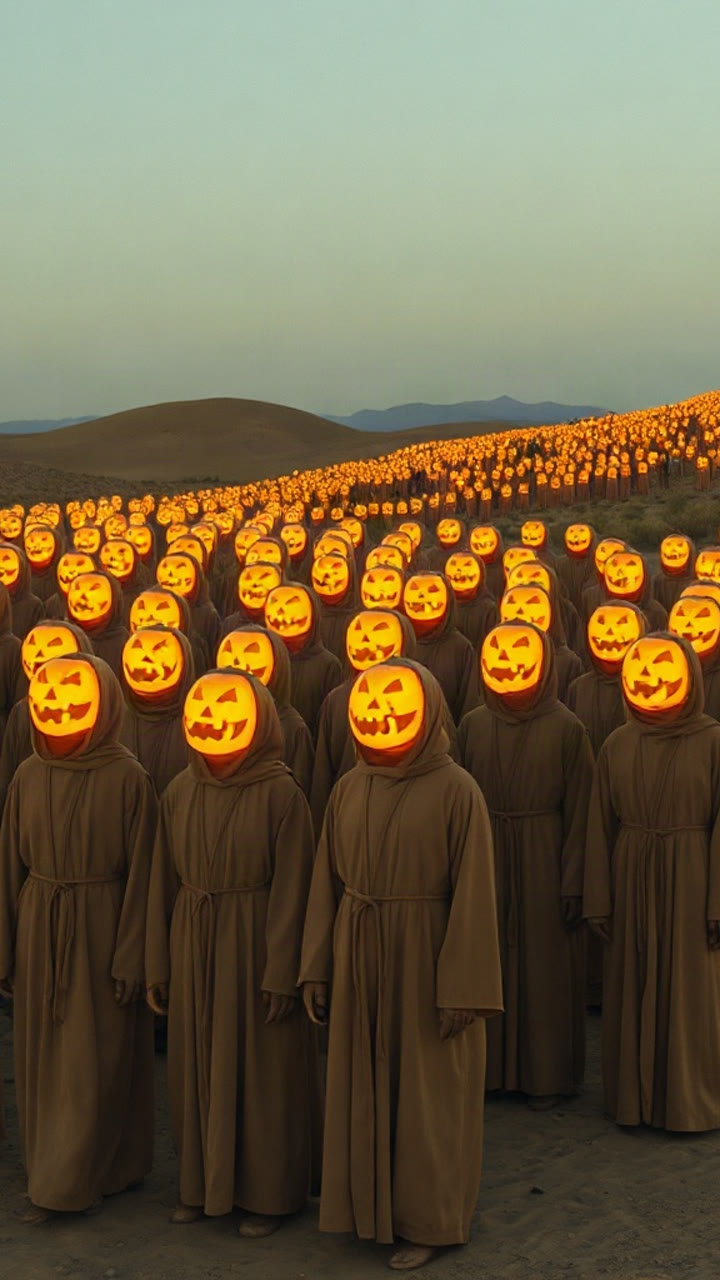
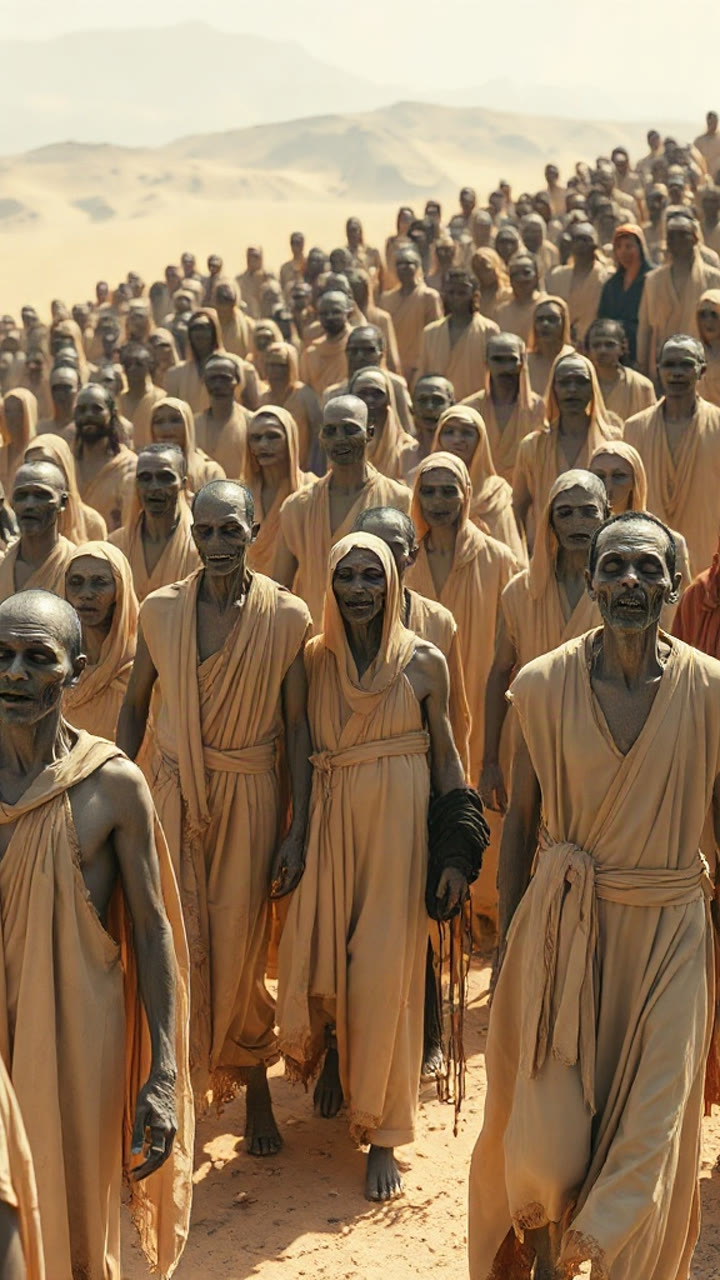
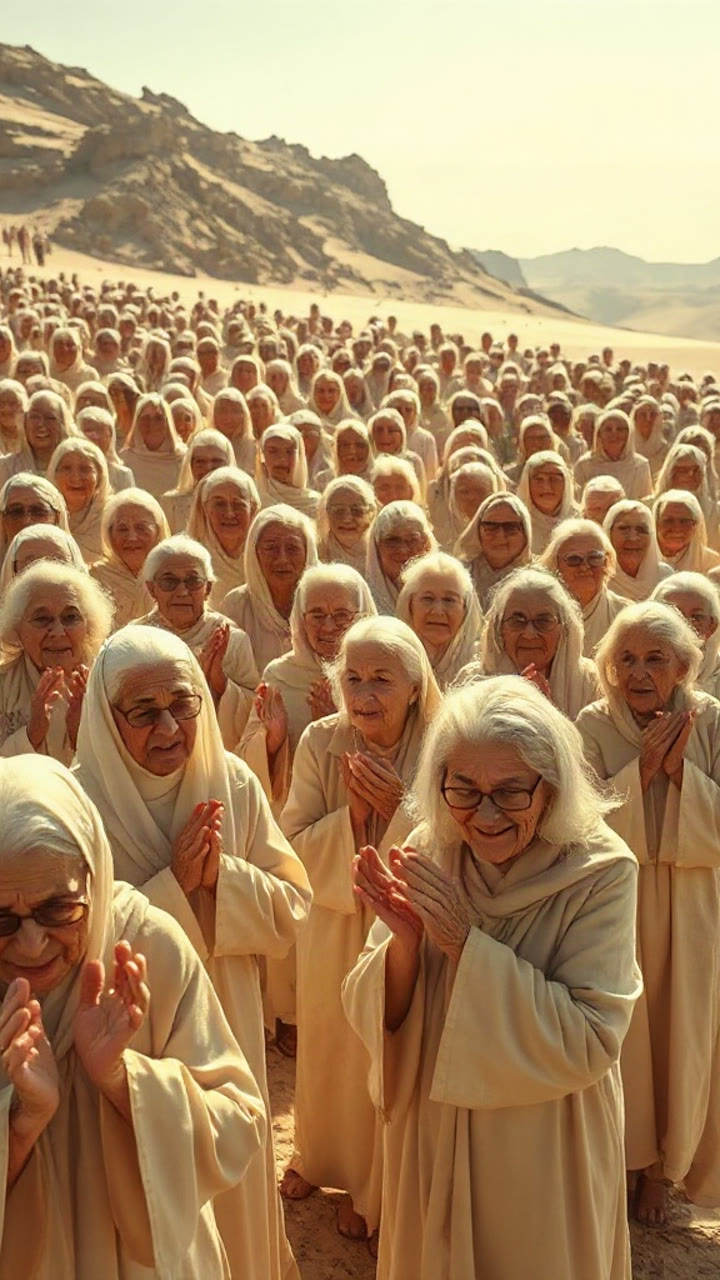
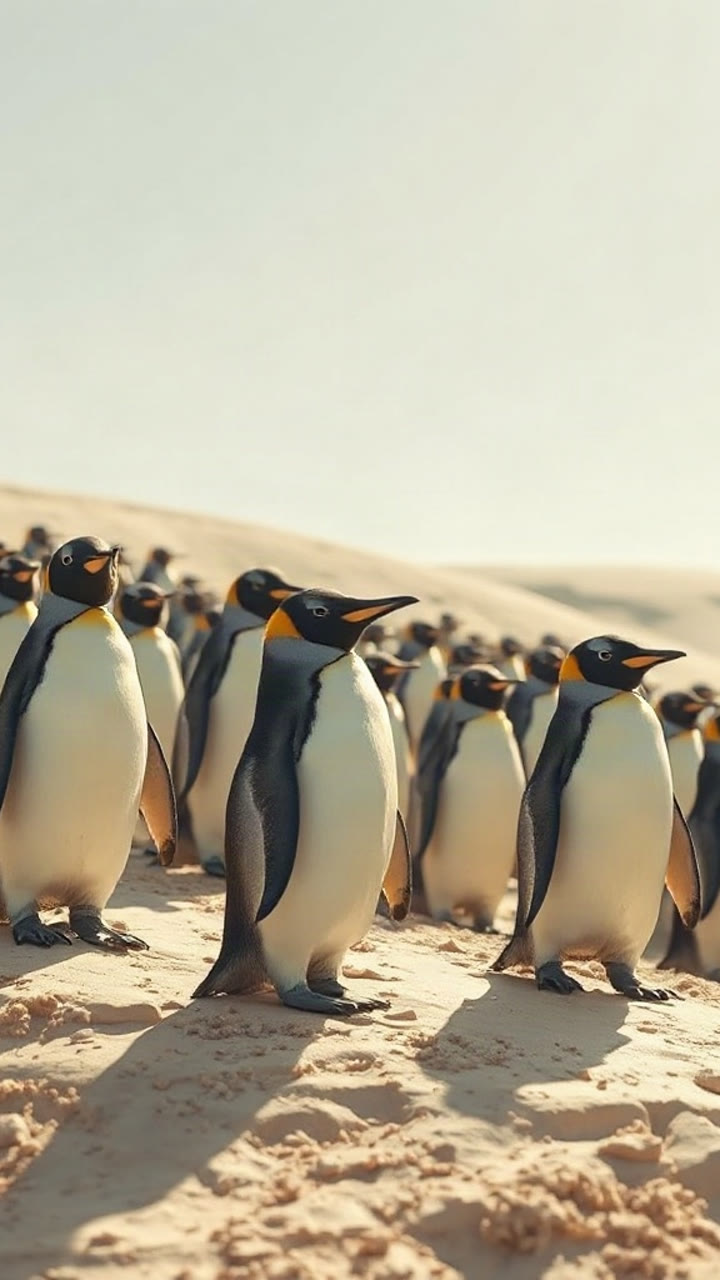
합창단 구도를 보여주는 스타일 이미지입니다. 히어로 영상에서 카메라 움직임을 확인할 수 있으며, 가운데 인물은 사진으로 바뀝니다.
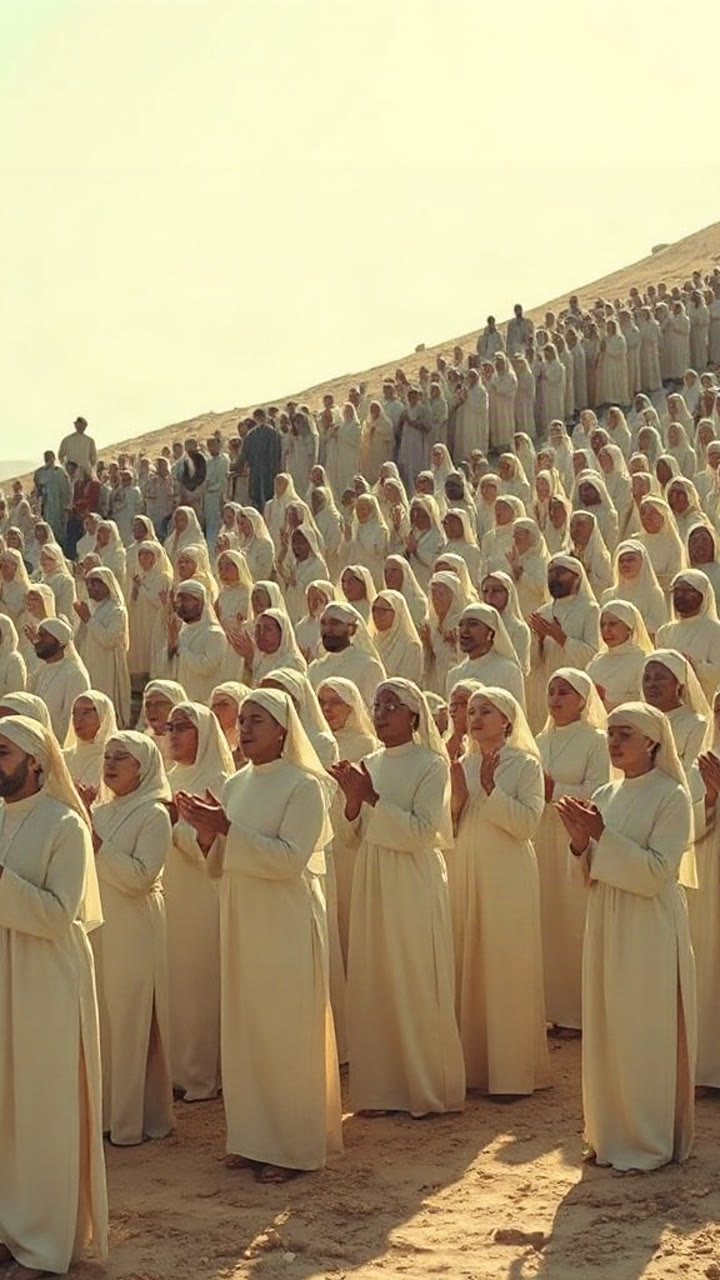
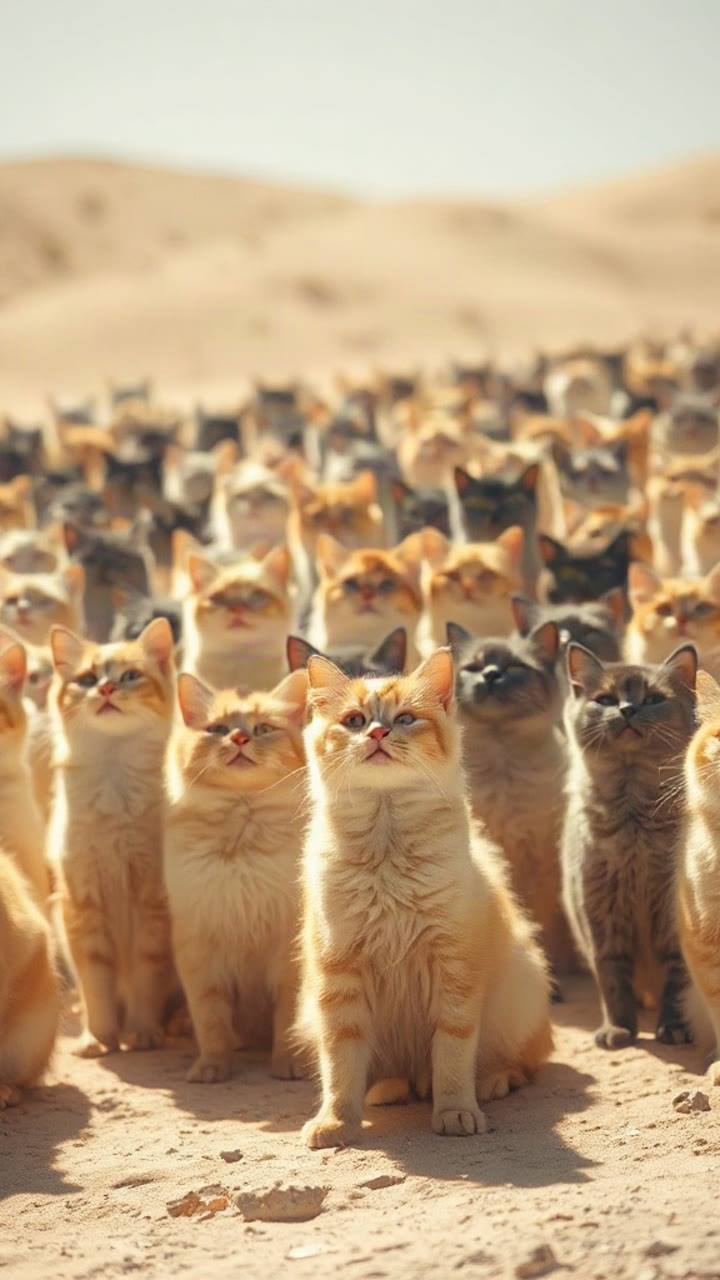
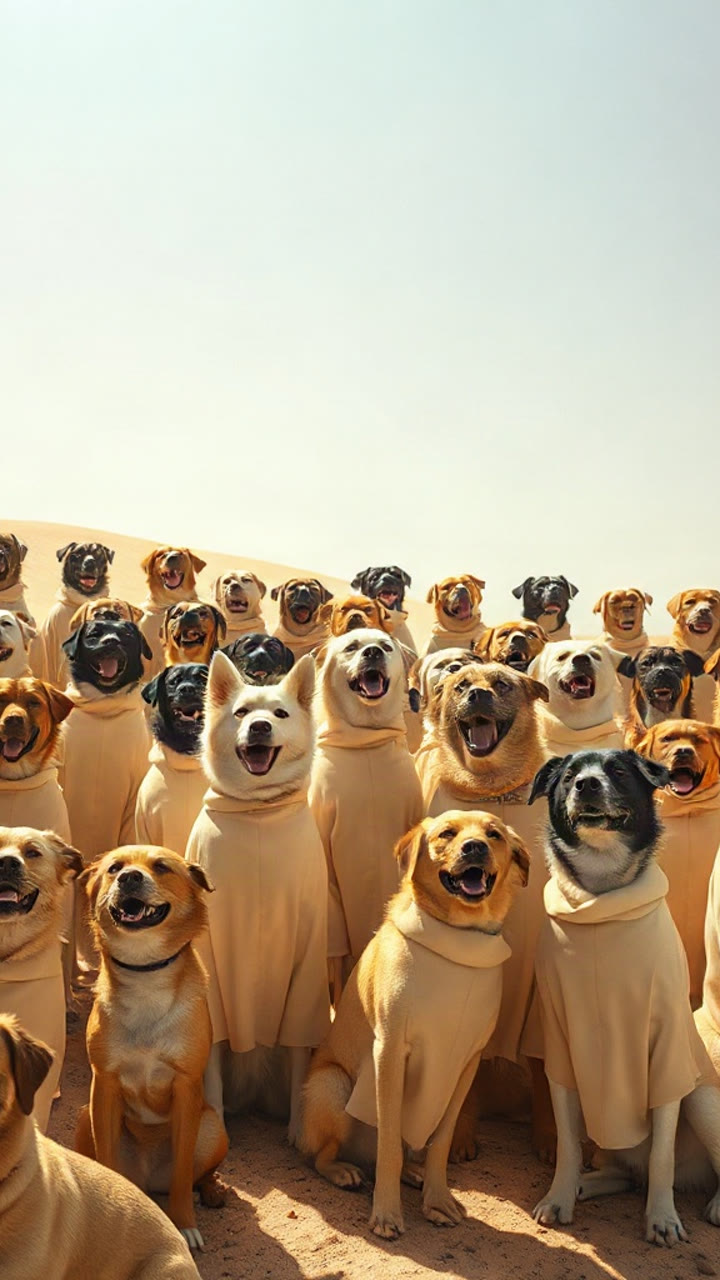
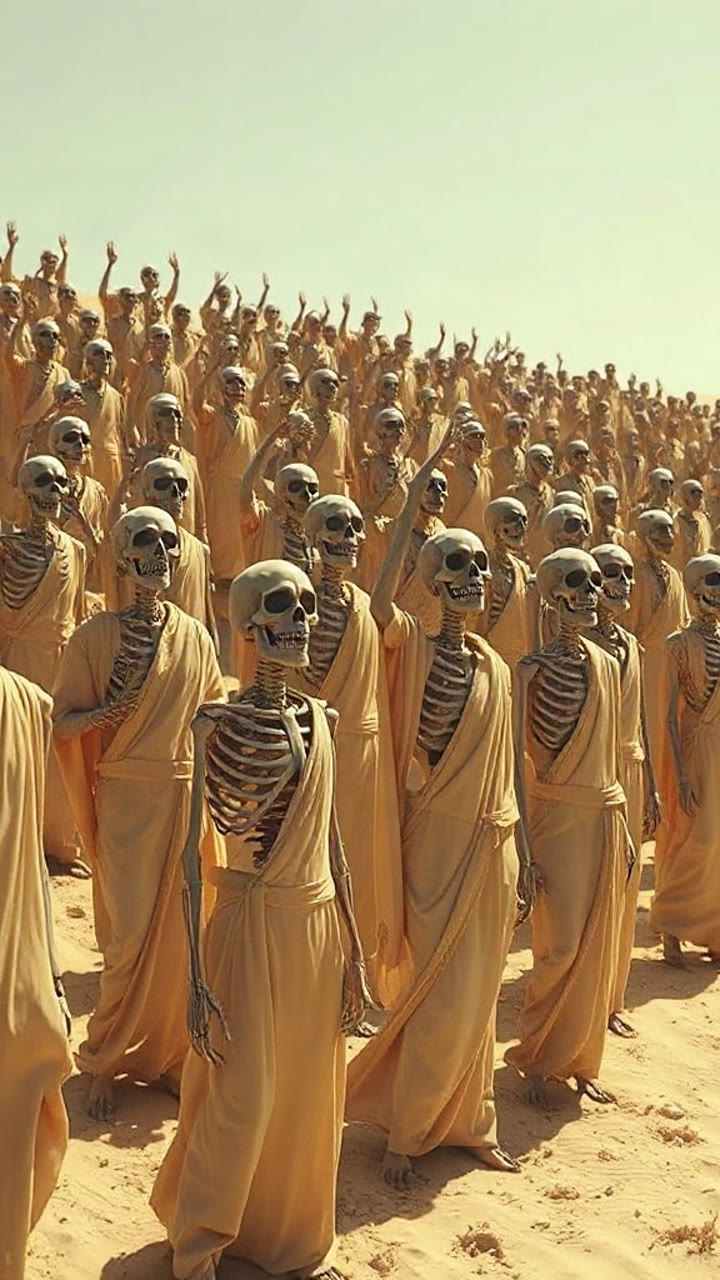
세 단계, 하나의 합창단
사진 한 장 또는 문장 하나만 준비하세요. Seedance 2.0이 가만히 있는 주인공, 흔들리는 군중, 천천히 움직이는 카메라를 만들어 냅니다.
1. 사진 한 장 추가
사람 한 명 또는 반려동물 한 마리, 얼굴이 선명하게 보여야 합니다. 사진이 없나요? 장면을 설명하고 텍스트만으로 생성하세요.
2. 합창단 선택
수도복, 고양이, 강아지, 해골, 호박, 좀비, 할머니, 펭귄 — 또는 원하는 합창단을 직접 입력하세요.
3. 생성 및 다운로드
워터마크 없는 12초 MP4. 다운로드하거나, 계정 없이도 원하는 이메일 주소로 비공개 링크를 보내세요.
텍스트로 영상 만들기도 가능
쓸 만한 사진이 없나요? 주인공, 합창단, 조명을 글로 쓰고 프롬프트만으로 생성하세요.
트렌드를 위해 탄생
가만히 있는 주인공, 빼곡한 언덕, 옆으로 흐르는 카메라가 모든 프리셋에 담겨 있어, 한눈에 그 트렌드로 보입니다.
투명한 크레딧
생성 버튼을 누르기 전에 정확한 크레딧 비용이 버튼에 표시됩니다. 렌더링에 실패하면 크레딧은 자동으로 환불됩니다.
Closed on Sunday AI의 간단한 가격 정책
Closed on Sunday AI 크레딧: 한 번 구매하거나 구독하세요. 생성 전에 클립당 정확한 비용을 확인하고 실패한 렌더링은 환불받으세요.
Starter
One standard clip a month to try the trend.
- 20 크레딧
- 표준 영상 1개 · Standard · 480p · 12s
- Standard · 480p · 12s 영상 1개 (15 크레딧) · 5 크레딧 남음
- 매 결제 월마다 새 크레딧
- 미사용 크레딧은 매월 만료됩니다
- 향후 갱신은 언제든지 취소 가능
Basic
Four standard clips a month for weekly posts.
- 60 크레딧
- 표준 영상 4개 · Standard · 480p · 12s
- Standard · 480p · 12s 영상 4개 (개당 15 크레딧)
- 매 결제 월마다 새 크레딧
- 미사용 크레딧은 매월 만료됩니다
- 향후 갱신은 언제든지 취소 가능
Pro
The sweet spot: twice the credits of the $39.90 credit pack.
- 200 크레딧
- 표준 영상 13개 · Standard · 480p · 12s
- Standard · 480p · 12s 영상 13개 (개당 15 크레딧) · 5 크레딧 남음
- 매 결제 월마다 새 크레딧
- 미사용 크레딧은 매월 만료됩니다
- 향후 갱신은 언제든지 취소 가능
Studio
For meme pages, editors and agencies shipping daily.
- 500 크레딧
- 표준 영상 33개 · Standard · 480p · 12s
- Standard · 480p · 12s 영상 33개 (개당 15 크레딧) · 5 크레딧 남음
- 매 결제 월마다 새 크레딧
- 미사용 크레딧은 매월 만료됩니다
- 향후 갱신은 언제든지 취소 가능
일회성 크레딧 팩
Single
One standard clip. Start here.
- 15 크레딧
- 표준 영상 1개 · Standard · 480p · 12s
- Standard · 480p · 12s 영상 1개 (15 크레딧)
- 크레딧은 만료되지 않습니다
- 구독이 필요 없습니다
Duo Pack
Two standard 480p clips, or one 720p clip, no subscription.
- 30 크레딧
- 표준 영상 2개 · Standard · 480p · 12s
- Standard · 480p · 12s 영상 2개 (개당 15 크레딧)
- 크레딧은 만료되지 않습니다
- 구독이 필요 없습니다
Party Pack
Six standard 480p clips. Same price as Pro monthly — Pro gives 200 credits.
- 100 크레딧
- 표준 영상 6개 · Standard · 480p · 12s
- Standard · 480p · 12s 영상 6개 (개당 15 크레딧) · 10 크레딧 남음
- 크레딧은 만료되지 않습니다
- 구독이 필요 없습니다
Crew Pack
Sixteen standard 480p clips for a posting week.
- 250 크레딧
- 표준 영상 16개 · Standard · 480p · 12s
- Standard · 480p · 12s 영상 16개 (개당 15 크레딧) · 10 크레딧 남음
- 크레딧은 만료되지 않습니다
- 구독이 필요 없습니다
Studio Pack
Forty standard 480p clips at the lowest pack price.
- 600 크레딧
- 표준 영상 40개 · Standard · 480p · 12s
- Standard · 480p · 12s 영상 40개 (개당 15 크레딧)
- 크레딧은 만료되지 않습니다
- 구독이 필요 없습니다
기본 클립 = Standard · 480p · 12초 = 15 크레딧. 12초 클립 기준 720p는 30 크레딧, 1080p는 60 크레딧이며, 더 긴 클립은 비례하여 올림 계산됩니다.
안전한 결제. 크레딧 팩은 만료되지 않습니다. 구독은 해지할 때까지 자동 갱신됩니다.
시작하기 전 궁금한 점
어떤 트렌드인지, 무엇이 필요한지, 비용은 얼마인지 알려드립니다.
가이드: 합창단, 사진, 프롬프트 및 해결법
모든 가이드를 한곳에. 트렌드부터 시작해 합창단을 고르고, 사진을 고치고, 비용을 이해하거나 렌더링 실패를 해결하세요.
여기서 시작
- Closed on Sunday AI Video Generator: One Photo, Any Choir
What the Closed on Sunday AI video generator does, how the still lead and singing crowd are built, and how to make a clip from one photo.
- What Is the Closed on Sunday AI Trend? The Choir, Explained
The October 2026 Closed on Sunday AI trend: the 2019 choir scene it remakes, why it spread, and what the AI versions change.
- How to Make a Closed on Sunday AI Video in Four Steps
A four-step Closed on Sunday AI walkthrough: choose the photo, pick a choir, set the spec, generate, download and add a sound.
합창단, 사진 및 프롬프트
- 12 Closed on Sunday AI Choir Ideas, or Type Your Own
Twelve Closed on Sunday AI choir ideas that read on a phone, the words to type for each, and how to invent a choir the presets miss.
- Best Photos for Closed on Sunday AI: A Practical Checklist
What makes a photo work in the Closed on Sunday AI choir scene: framing, light, resolution, what to avoid, and a two-minute fix.
- Closed on Sunday AI Prompts: Four Templates That Work
Four copy-ready Closed on Sunday AI prompts for the choir scene, the lines that matter, and how to change the choir without breaking the framing.
- Closed on Sunday AI With Your Cat or Dog: What Works
How to put a cat or dog in the middle of a Closed on Sunday AI choir: the photo, the pose, the best choir pairings, and the limits.
- Closed on Sunday AI Text to Video: No Photo Needed
How to make a Closed on Sunday AI video from text alone: what to write, what the model invents, and when a photo is still better.
비용, 사운드 및 해결법
- Is Closed on Sunday AI Free? What a Clip Really Costs
What a Closed on Sunday AI clip really costs, why email accounts get no free credits, and how refunds and one-time packs work.
- Closed on Sunday AI and the TikTok Sound: A Legal Guide
Why the Closed on Sunday AI MP4 is silent, how to add a sound legally in TikTok, Reels or Shorts, and where the beat should land.
- Closed on Sunday AI Video Problems and How to Fix Them
The Closed on Sunday AI failures people actually hit: face drift, a moving lead, the wrong choir, a blocked prompt and a failed render.
- Closed on Sunday AI Alternatives: Three Ways to Make It
Three ways to make a Closed on Sunday AI video: a dedicated choir generator, a general video model, or editing existing footage.
가이드 및 프롬프트
바로 복사할 수 있는 프롬프트, 트렌드 분석 및 일반적인 렌더링 문제 해결 방법.

Best Photos for Closed on Sunday AI: A Practical Checklist
What makes a photo work in the Closed on Sunday AI choir scene: framing, light, resolution, what to avoid, and a two-minute fix.
 Closed on Sunday AI Team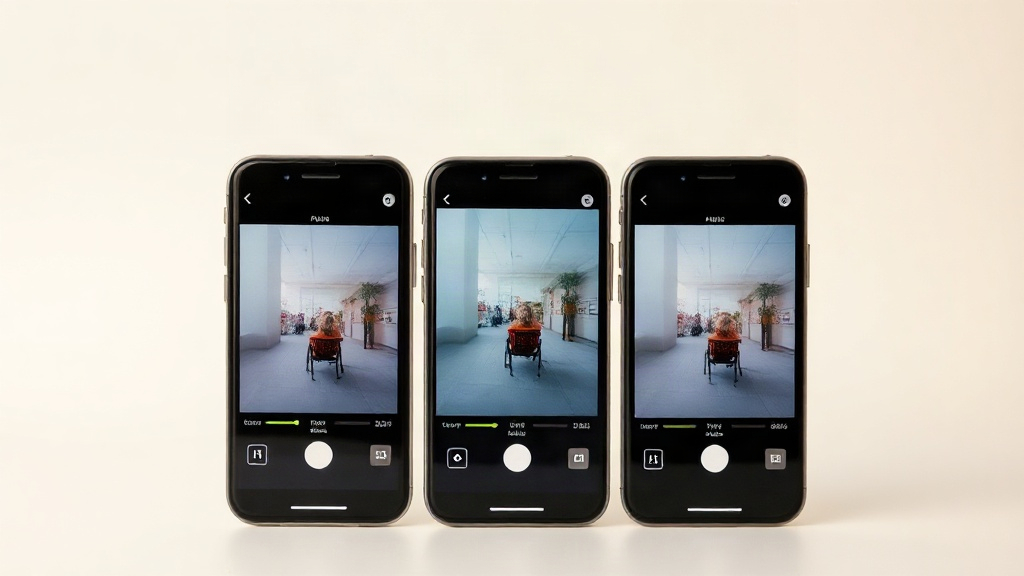
Closed on Sunday AI Alternatives: Three Ways to Make It
Three ways to make a Closed on Sunday AI video: a dedicated choir generator, a general video model, or editing existing footage.
Closed on Sunday AI Team
12 Closed on Sunday AI Choir Ideas, or Type Your Own
Twelve Closed on Sunday AI choir ideas that read on a phone, the words to type for each, and how to invent a choir the presets miss.
Closed on Sunday AI Team