Closed on Sunday AI
Closed on Sunday AI Videogenerator
Ein Foto in die Mitte des Chors. Seedance 2.0 hält dich still, während hunderte Sänger um dich herum schwanken und singen — ein 12s MP4, kein Wasserzeichen.
Wähle oben einen Chor aus oder gib deinen eigenen ein. Eine Änderung baut den voreingestellten Prompt neu auf.
Lade nur Fotos von dir selbst, deinem Haustier oder Personen hoch, die der Darstellung zugestimmt haben. Keine Prominenten oder Minderjährigen.
Behalte das Standbild als Hauptmotiv und den Chor im Prompt bei. Beschreibe das Motiv, die Menge und das Licht.
480p · 12s kostet 15 Credits. 720p · 12s kostet 30 Credits. 1080p · 12s kostet 60 Credits. Längere Clips werden anteilig berechnet und aufgerundet.
Dieser Clip: 15 Credits · 13 Clips/Monat mit Pro ($39.90) oder 160/Jahr ($319).
Acht Chöre oder deine eigenen Worte
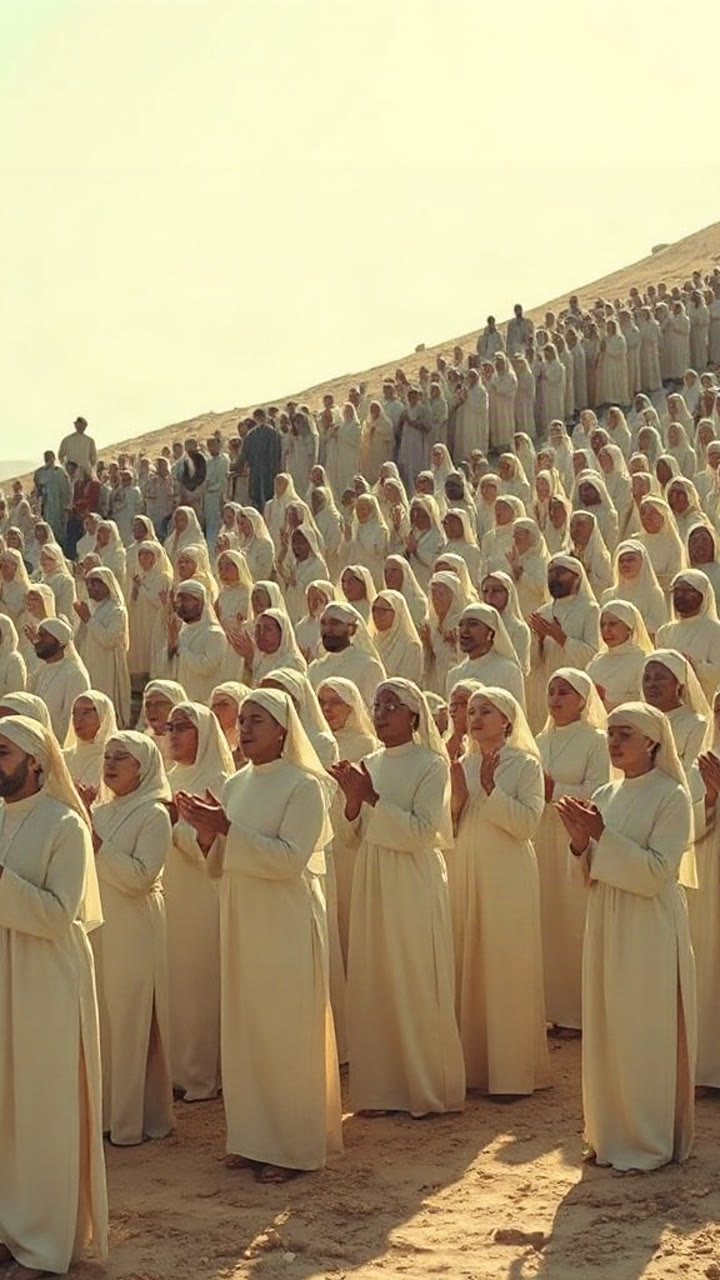
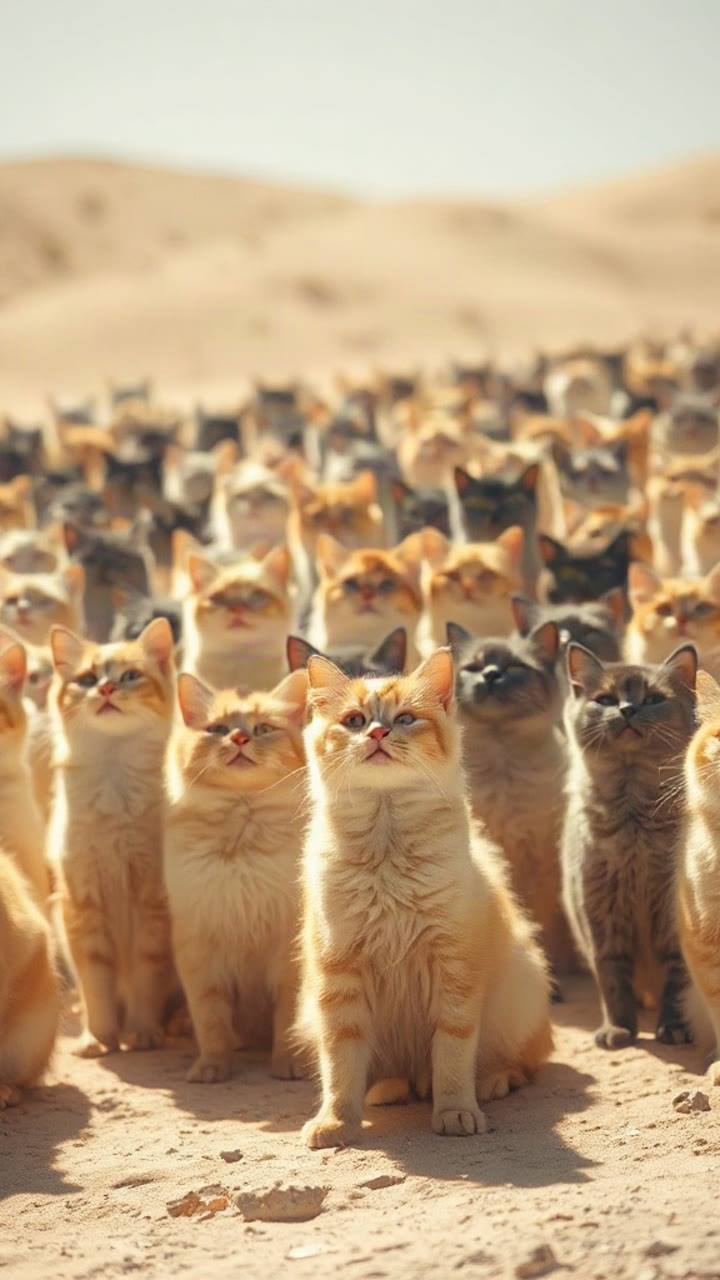
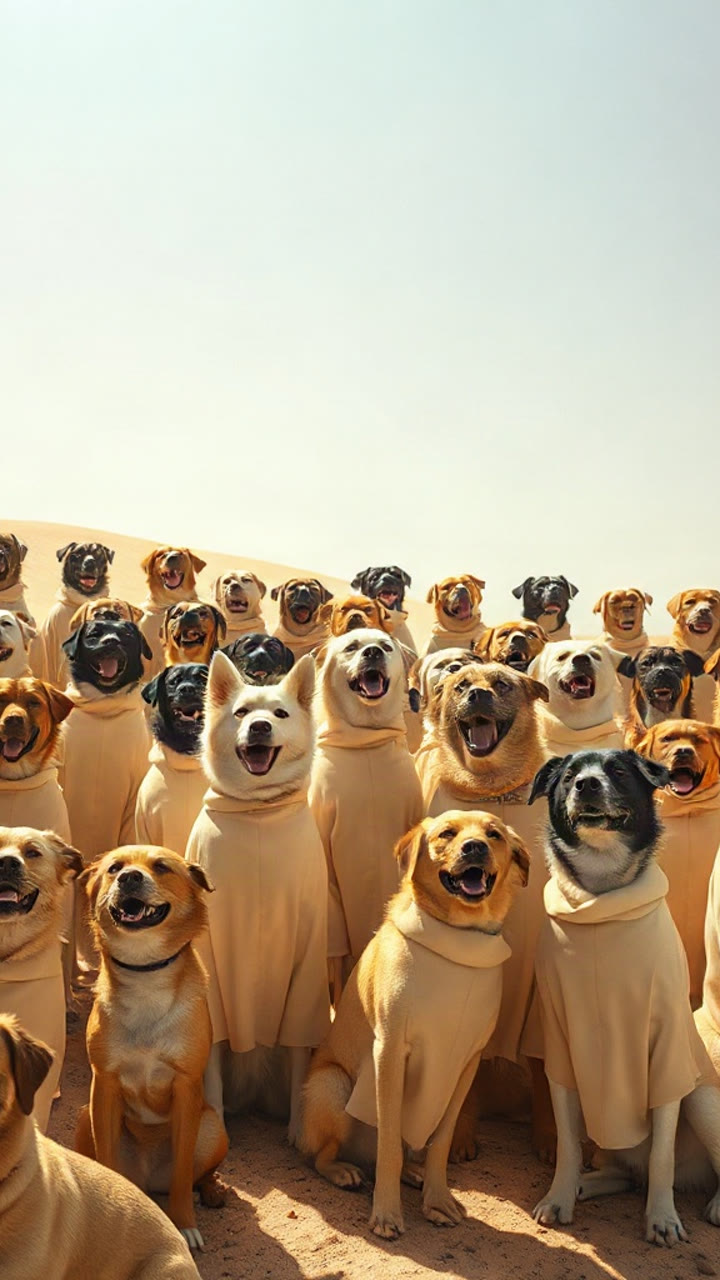
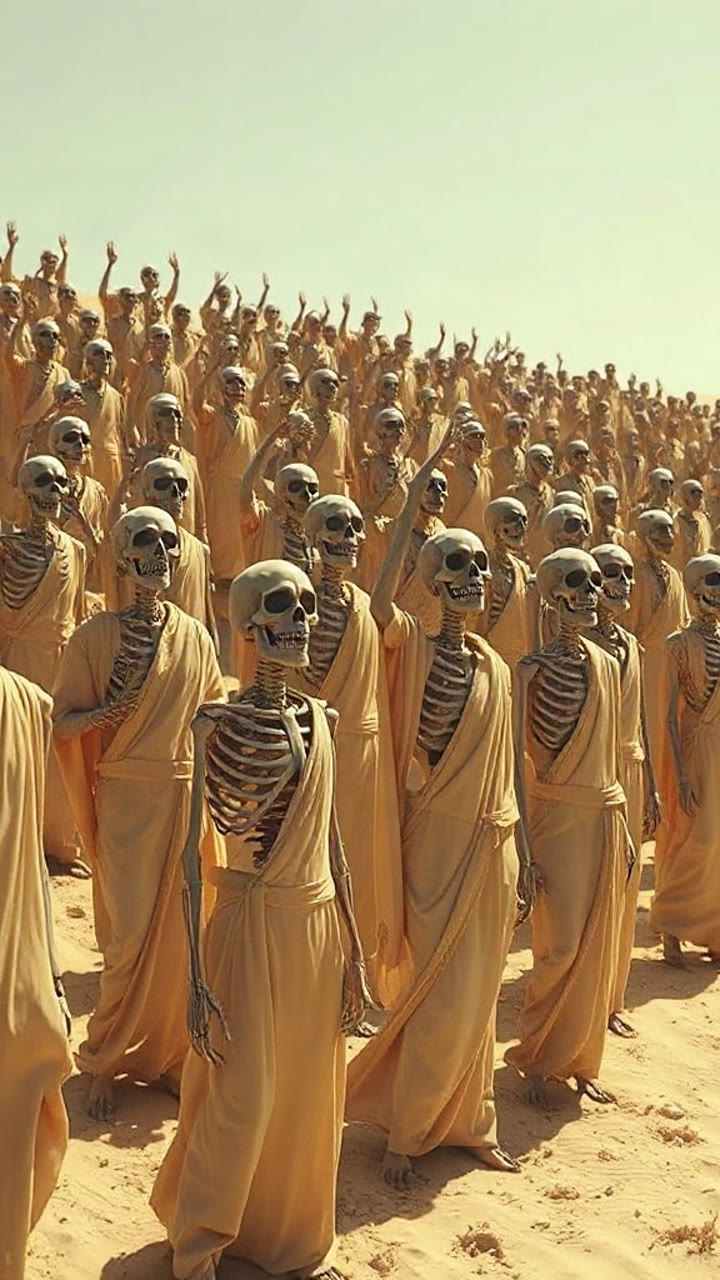
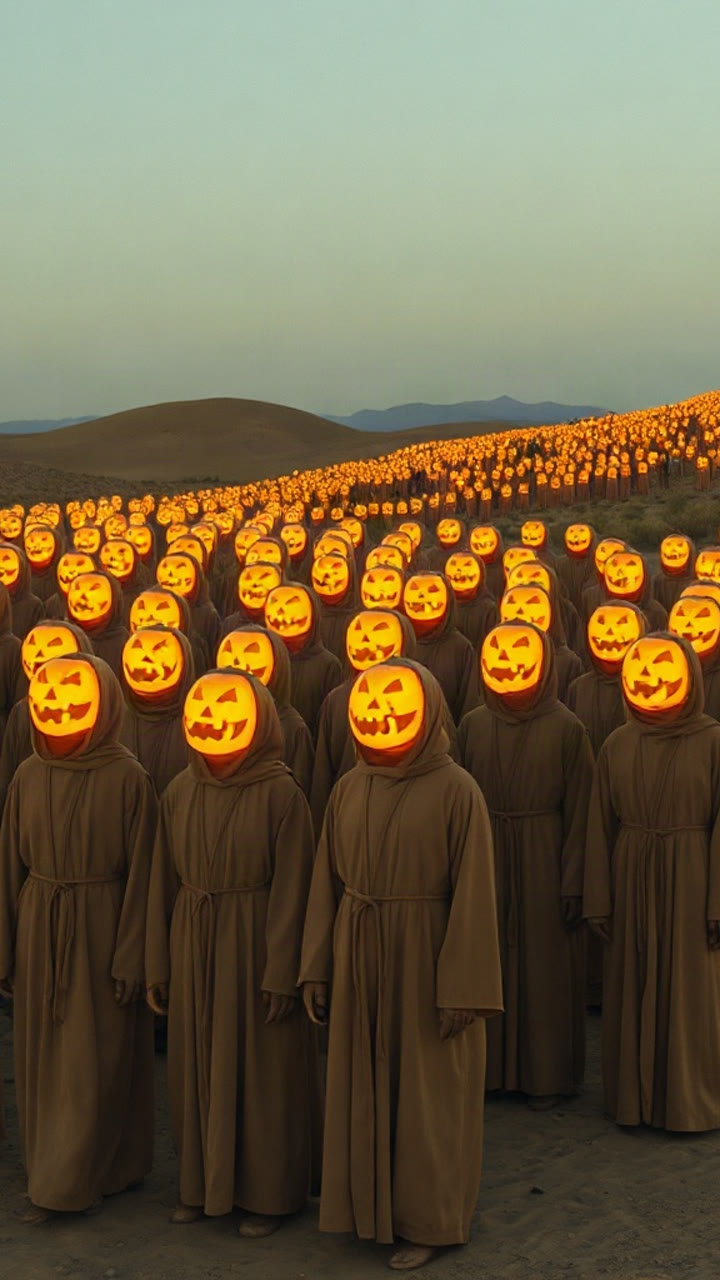
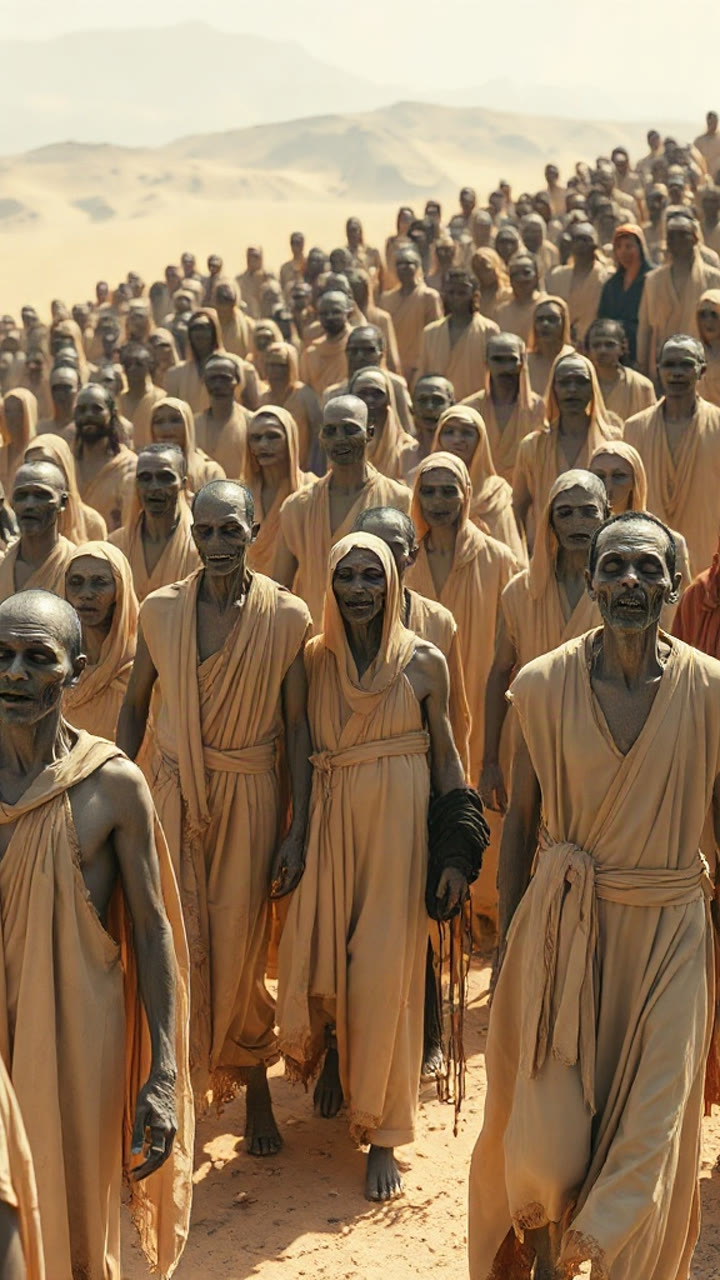
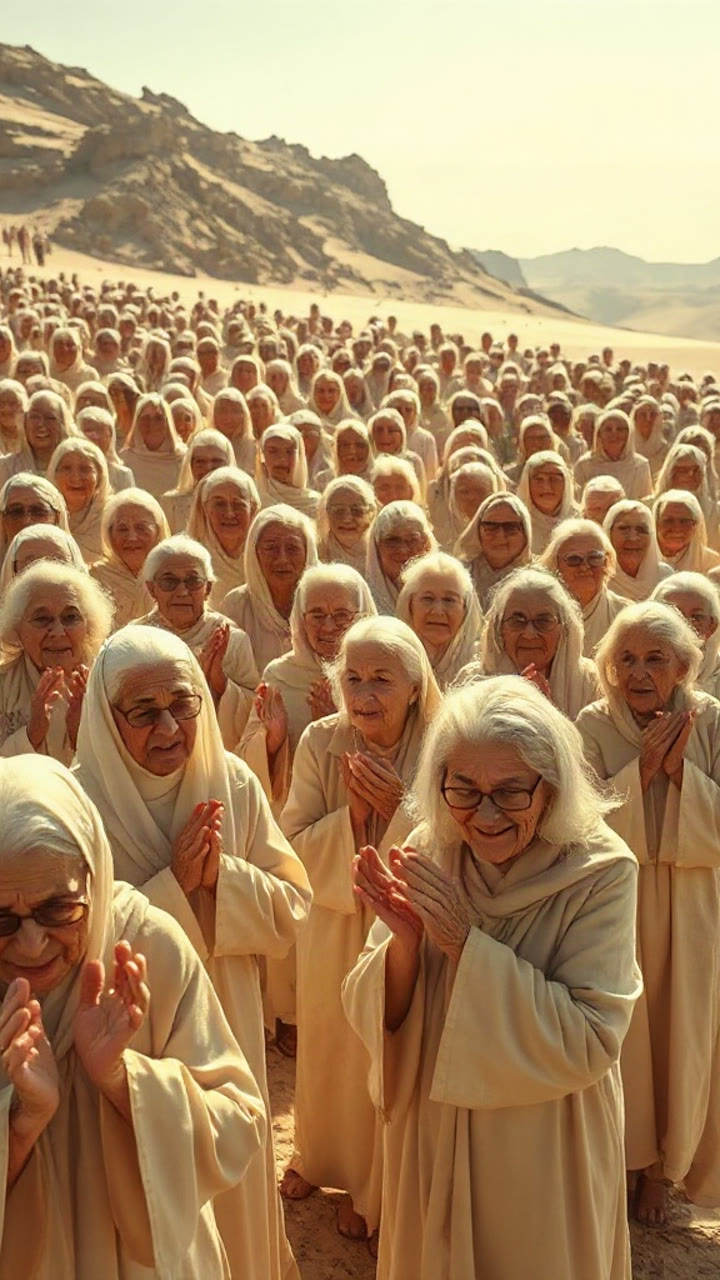
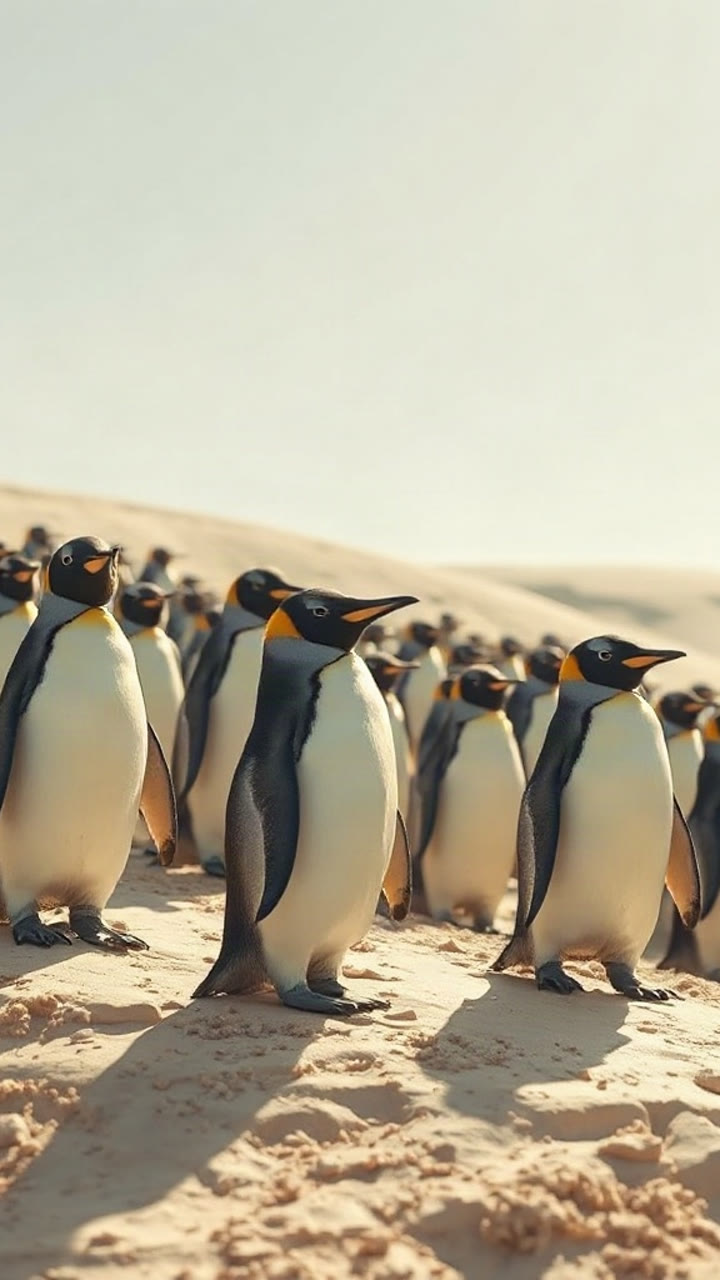
Stilbilder für den Chor-Rahmen. Der Hero-Clip zeigt die Kamerabewegung; dein Foto ersetzt die Hauptfigur.
Drei Schritte, ein Chor
Du bringst ein Foto oder einen Satz mit. Seedance 2.0 baut die stille Hauptfigur, die schwankende Menge und die langsame Kamerafahrt.
1. Ein Foto hinzufügen
Eine Person oder ein Haustier, Gesicht klar erkennbar. Kein Foto? Beschreibe die Szene und generiere allein aus Text.
2. Einen Chor auswählen
Originalgewänder, Katzen, Hunde, Skelette, Kürbisse, Zombies, Omas, Pinguine – oder tippe jeden Chor ein, den du beschreiben kannst.
3. Generieren und herunterladen
Ein 12-Sekunden-MP4 ohne Wasserzeichen. Lade es herunter oder sende einen privaten Link an jede E-Mail-Adresse ohne Konto.
Auch Text zu Video
Kein brauchbares Foto? Schreibe die Hauptfigur, den Chor und das Licht und generiere allein aus dem Prompt.
Für den Trend gemacht
Die stille Hauptfigur, der volle Hang und die seitliche Kamerafahrt stecken in jeder Vorlage, sodass der Clip auf den ersten Blick wie der Trend wirkt.
Guthaben, das du siehst
Die genauen Guthabenkosten stehen auf dem Button, bevor du auf Generieren drückst. Fehlgeschlagene Renderings erstatten ihr Guthaben automatisch.
Einfache Preise für Closed on Sunday AI
Closed on Sunday AI Credits: einmal kaufen oder abonnieren, exakte Kosten pro Clip vor dem Generieren sehen und fehlgeschlagene Renderings erstattet bekommen.
Starter
One standard clip a month to try the trend.
- 20 Credits
- 1 Standardvideo · Standard · 480p · 12s
- 1 Video in Standard · 480p · 12s (15 Credits) · 5 Credits übrig
- Jeden Abrechnungsmonat neue Credits
- Nicht genutzte Credits verfallen monatlich
- Künftige Verlängerungen jederzeit kündbar
Basic
Four standard clips a month for weekly posts.
- 60 Credits
- 4 Standardvideos · Standard · 480p · 12s
- 4 Videos in Standard · 480p · 12s (15 Credits pro Video)
- Jeden Abrechnungsmonat neue Credits
- Nicht genutzte Credits verfallen monatlich
- Künftige Verlängerungen jederzeit kündbar
Pro
The sweet spot: twice the credits of the $39.90 credit pack.
- 200 Credits
- 13 Standardvideos · Standard · 480p · 12s
- 13 Videos in Standard · 480p · 12s (15 Credits pro Video) · 5 Credits übrig
- Jeden Abrechnungsmonat neue Credits
- Nicht genutzte Credits verfallen monatlich
- Künftige Verlängerungen jederzeit kündbar
Studio
For meme pages, editors and agencies shipping daily.
- 500 Credits
- 33 Standardvideos · Standard · 480p · 12s
- 33 Videos in Standard · 480p · 12s (15 Credits pro Video) · 5 Credits übrig
- Jeden Abrechnungsmonat neue Credits
- Nicht genutzte Credits verfallen monatlich
- Künftige Verlängerungen jederzeit kündbar
Einmalige Guthaben-Pakete
Single
One standard clip. Start here.
- 15 Credits
- 1 Standardvideo · Standard · 480p · 12s
- 1 Video in Standard · 480p · 12s (15 Credits)
- Credits verfallen nie
- Kein Abo erforderlich
Duo Pack
Two standard 480p clips, or one 720p clip, no subscription.
- 30 Credits
- 2 Standardvideos · Standard · 480p · 12s
- 2 Videos in Standard · 480p · 12s (15 Credits pro Video)
- Credits verfallen nie
- Kein Abo erforderlich
Party Pack
Six standard 480p clips. Same price as Pro monthly — Pro gives 200 credits.
- 100 Credits
- 6 Standardvideos · Standard · 480p · 12s
- 6 Videos in Standard · 480p · 12s (15 Credits pro Video) · 10 Credits übrig
- Credits verfallen nie
- Kein Abo erforderlich
Crew Pack
Sixteen standard 480p clips for a posting week.
- 250 Credits
- 16 Standardvideos · Standard · 480p · 12s
- 16 Videos in Standard · 480p · 12s (15 Credits pro Video) · 10 Credits übrig
- Credits verfallen nie
- Kein Abo erforderlich
Studio Pack
Forty standard 480p clips at the lowest pack price.
- 600 Credits
- 40 Standardvideos · Standard · 480p · 12s
- 40 Videos in Standard · 480p · 12s (15 Credits pro Video)
- Credits verfallen nie
- Kein Abo erforderlich
Standardclip = Standard · 480p · 12s = 15 Credits. 720p = 30 Credits und 1080p = 60 Credits für einen 12s-Clip; längere Clips skalieren und werden aufgerundet.
Sichere Zahlung. Pakete verfallen nie. Abonnements verlängern sich automatisch, bis du kündigst.
Fragen vor dem Start
Was der Trend ist, was du brauchst und was es kostet.
Guides: Chöre, Fotos, Prompts und Fixes
Alle Guides an einem Ort. Starte mit dem Trend, wähle dann einen Chor, korrigiere ein Foto, verstehe die Kosten oder löse einen fehlgeschlagenen Render.
Hier starten
- Closed on Sunday AI Video Generator: One Photo, Any Choir
What the Closed on Sunday AI video generator does, how the still lead and singing crowd are built, and how to make a clip from one photo.
- What Is the Closed on Sunday AI Trend? The Choir, Explained
The October 2026 Closed on Sunday AI trend: the 2019 choir scene it remakes, why it spread, and what the AI versions change.
- How to Make a Closed on Sunday AI Video in Four Steps
A four-step Closed on Sunday AI walkthrough: choose the photo, pick a choir, set the spec, generate, download and add a sound.
Chöre, Fotos & Prompts
- 12 Closed on Sunday AI Choir Ideas, or Type Your Own
Twelve Closed on Sunday AI choir ideas that read on a phone, the words to type for each, and how to invent a choir the presets miss.
- Best Photos for Closed on Sunday AI: A Practical Checklist
What makes a photo work in the Closed on Sunday AI choir scene: framing, light, resolution, what to avoid, and a two-minute fix.
- Closed on Sunday AI Prompts: Four Templates That Work
Four copy-ready Closed on Sunday AI prompts for the choir scene, the lines that matter, and how to change the choir without breaking the framing.
- Closed on Sunday AI With Your Cat or Dog: What Works
How to put a cat or dog in the middle of a Closed on Sunday AI choir: the photo, the pose, the best choir pairings, and the limits.
- Closed on Sunday AI Text to Video: No Photo Needed
How to make a Closed on Sunday AI video from text alone: what to write, what the model invents, and when a photo is still better.
Kosten, Sound & Fixes
- Is Closed on Sunday AI Free? What a Clip Really Costs
What a Closed on Sunday AI clip really costs, why email accounts get no free credits, and how refunds and one-time packs work.
- Closed on Sunday AI and the TikTok Sound: A Legal Guide
Why the Closed on Sunday AI MP4 is silent, how to add a sound legally in TikTok, Reels or Shorts, and where the beat should land.
- Closed on Sunday AI Video Problems and How to Fix Them
The Closed on Sunday AI failures people actually hit: face drift, a moving lead, the wrong choir, a blocked prompt and a failed render.
- Closed on Sunday AI Alternatives: Three Ways to Make It
Three ways to make a Closed on Sunday AI video: a dedicated choir generator, a general video model, or editing existing footage.
Anleitungen und Prompts
Kopierfertige Prompts, Trend-Analysen und Lösungen für häufige Render-Probleme.

Best Photos for Closed on Sunday AI: A Practical Checklist
What makes a photo work in the Closed on Sunday AI choir scene: framing, light, resolution, what to avoid, and a two-minute fix.
 Closed on Sunday AI Team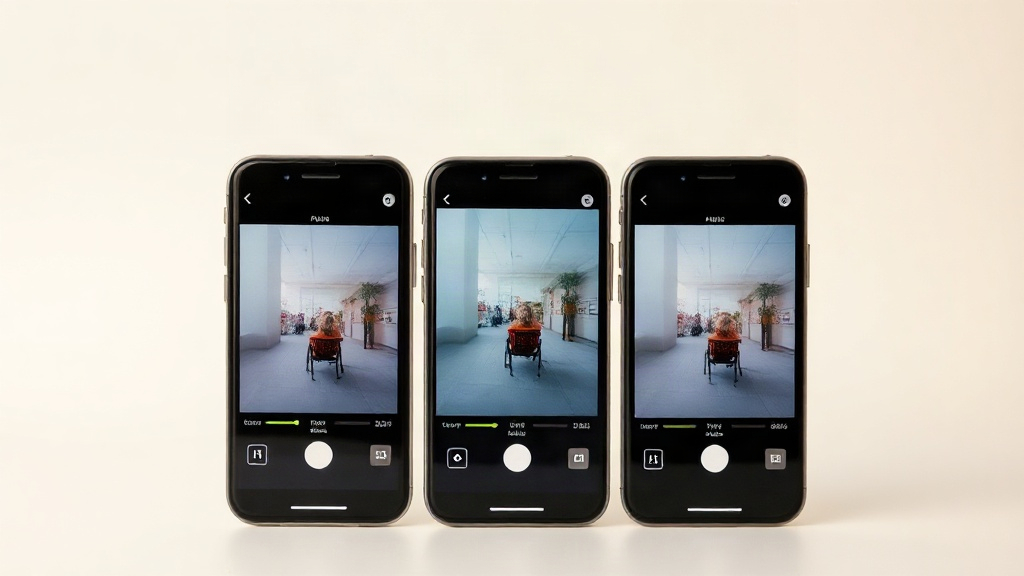
Closed on Sunday AI Alternatives: Three Ways to Make It
Three ways to make a Closed on Sunday AI video: a dedicated choir generator, a general video model, or editing existing footage.
Closed on Sunday AI Team
12 Closed on Sunday AI Choir Ideas, or Type Your Own
Twelve Closed on Sunday AI choir ideas that read on a phone, the words to type for each, and how to invent a choir the presets miss.
Closed on Sunday AI TeamSteh still. Lass den Chor den Rest erledigen.
Ein Foto, ein Chor, zwölf Sekunden. Lade das MP4 herunter, solange der Trend noch läuft.